
Choosing the right platform can make or break your workflow. With so many options available, it is easy to wonder which solution fits your needs best. Each tool comes with its own standout features and limitations. Some focus on speed, others on customization or support. There might even be surprises you have not seen yet. As you compare these alternatives, you may uncover new ways to simplify projects and discover options that you never considered before.
Table of Contents
HomeSimply Pro
At a Glance
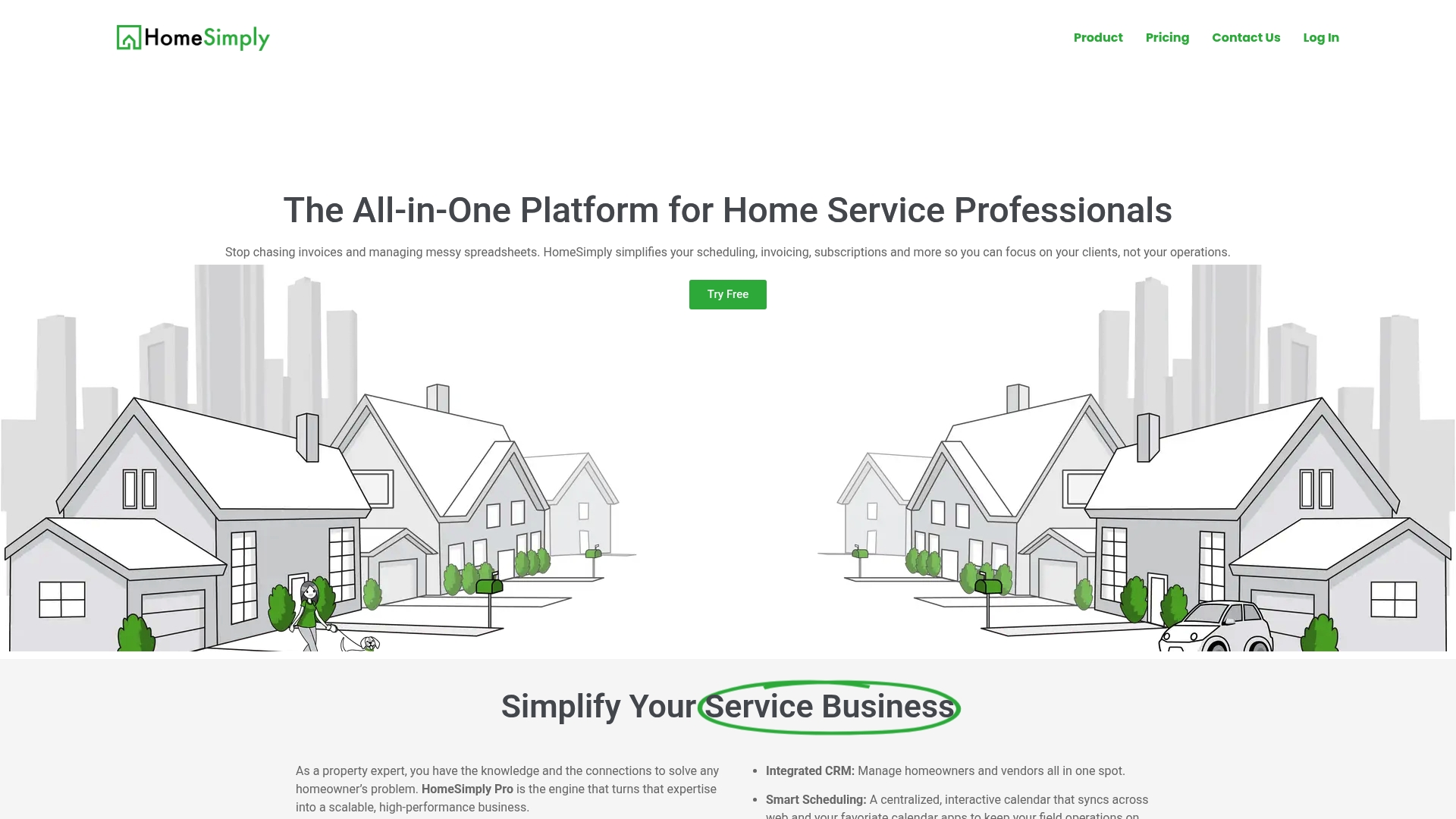
HomeSimply Pro is an all in one platform built for home service professionals who want less admin and more time with clients. It combines scheduling, invoicing, CRM, subscriptions, and AI assistance into a single dashboard for day to day operations.
HomeSimply Pro is best for businesses that want predictable recurring revenue and faster payments without juggling multiple tools. The core workflow focuses on reducing manual tasks so teams can focus on field work and client care.
Core Features
HomeSimply Pro centers on a few strong capabilities that matter to service providers. It offers Integrated CRM for homeowner and vendor contact management and Smart scheduling with a centralized interactive calendar for bookings and dispatch.
The platform includes Stripe Connect powered invoicing for faster deposits and a Recurring revenue engine that standardizes maintenance subscriptions and predictable income. It also bundles AI assistance and tools to help scale business operations over time.
Pros
-
Centralizes essential tools. Consolidates CRM, scheduling, invoicing, and subscription management so you do not need multiple apps and spreadsheets.
-
Automates payments and invoices. Integrated Stripe Connect reduces manual billing and speeds up direct deposits to your account.
-
Supports subscription models. Built in recurring revenue management helps you sell maintenance plans that stabilize monthly cash flow.
-
Includes AI assistance. AI features aim to reduce setup time and suggest growth actions so you can focus on work in the field.
-
Scalable pricing tiers. Plans work for solo professionals and for teams, making it practical as your business grows.
Cons
-
Pro tier requires a subscription fee. The $29.99 per month cost for the Pro tier may strain very small or brand new businesses with tight margins.
-
Limited detail in public materials. The provided content lacks deep technical feature lists and integrations, so you may need a product demo to confirm fit for specialized workflows.
Who It's For
HomeSimply Pro fits home service professionals, property maintenance firms, and small to medium sized providers who want one place to manage clients, appointments, and recurring work. It is practical for contractors who rely on steady monthly income and faster payment processing.
Unique Value Proposition
HomeSimply Pro's value is its focus on converting field services into predictable revenue streams while removing administrative friction. The combination of payment automation, subscription tools, and scheduling in one product lowers overhead and shortens billing cycles.
Real World Use Case
A property maintenance company uses HomeSimply Pro to schedule recurring checks, log vendor and homeowner contacts in the CRM, and send automated invoices through Stripe that arrive the same day work is completed. That frees managers to plan routes and bid new contracts.
Pricing
HomeSimply Pro offers a free tier at $0 per month with limitations and a Pro tier at $29.99 per month that includes unlimited tasks, unlimited subscriptions, and premium support.
Website: https://www.homesimp.ly
SimplyCalled
At a Glance
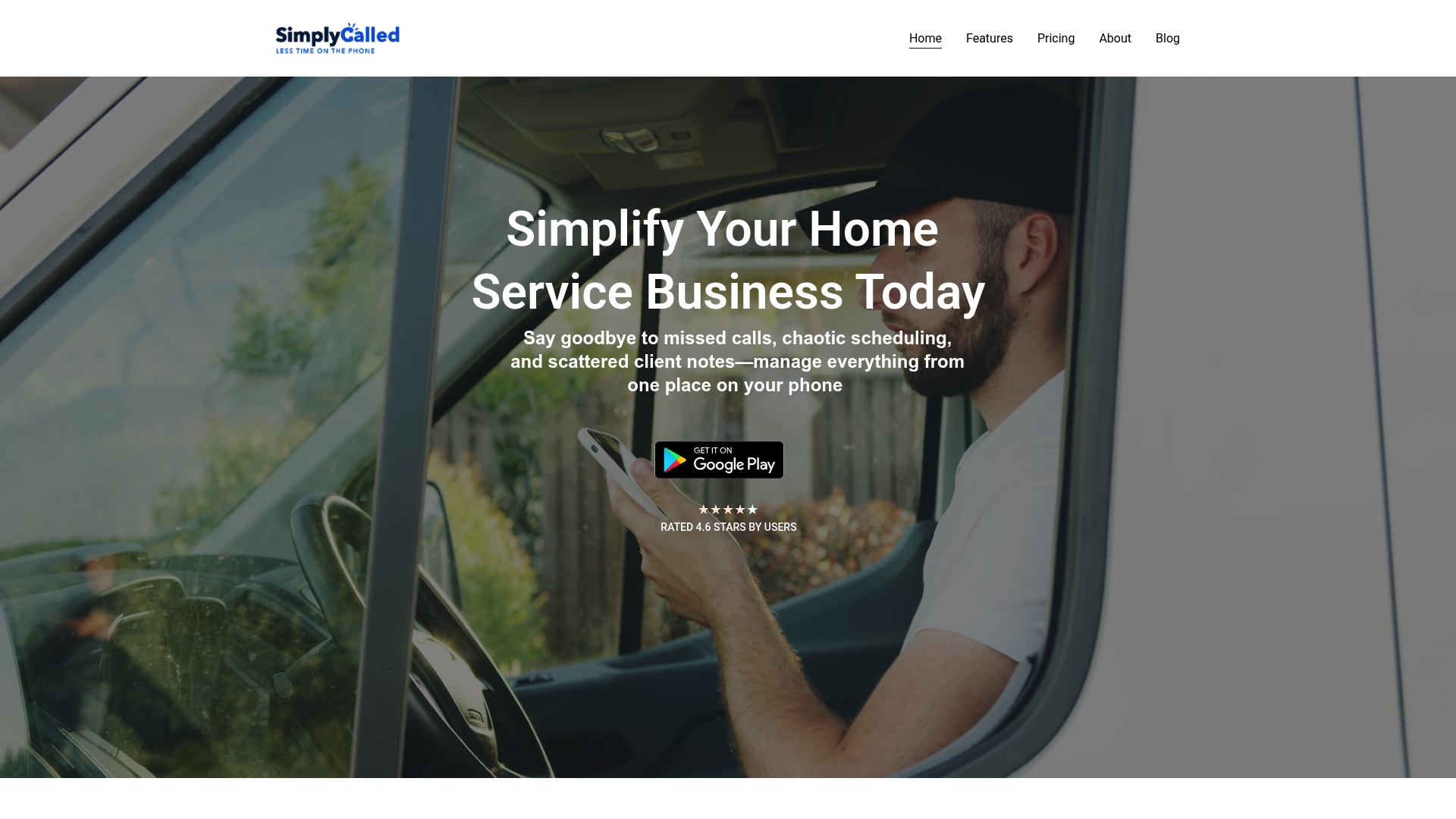
SimplyCalled is a mobile-first business management app built for home service providers who need to handle calls, schedules, and clients while on the go. It reduces missed calls and keeps appointment and job records in one place for solo technicians and small teams.
Core Features
SimplyCalled centers on Missed Call Management with automated responses and callback scheduling, plus Seamless appointment scheduling that ties into phone calendars. The app also includes Comprehensive client management, a customizable business website builder, and Caller ID with context so you see a caller's history before answering.
Pros
-
All-in-one platform: It combines call handling, scheduling, client records, and basic job management so you do not need separate apps for those core tasks.
-
Mobile-first design: The interface is built for use on a phone, which helps field technicians manage work while traveling between jobs.
-
Free 14-day trial: You can test the full feature set without commitment which helps you verify compatibility with your device and workflow.
-
Customer engagement tools: The custom website and caller ID features give prospective clients a professional touch and provide context during calls.
-
Flexible pricing options: Plans start affordably which helps solo operators and small teams pick a plan that fits their budget.
Cons
-
Limited public detail on drawbacks: The vendor does not list specific limitations or edge cases on the site, so you may need to test scenarios yourself.
-
Device and network sensitivity: Some features depend on mobile device compatibility and cellular or Wi Fi performance which can affect reliability in the field.
-
Opaque longer term pricing: Exact pricing beyond the trial and list starting plans requires direct confirmation which adds a step before purchase.
Who It's For
This app fits solo home service providers and very small teams who spend most of their day on the road and want a single mobile tool for calls, scheduling, and client records. It also helps small businesses that need a simple web presence and caller context without hiring a developer.
Unique Value Proposition
SimplyCalled packages phone handling and light job management into one mobile centric app so you can answer calls with context, auto reply to missed calls, and book appointments from your phone. The value is reducing missed revenue from unanswered calls while keeping client history at your fingertips.
Real World Use Case
A local plumber installs and uses SimplyCalled to capture missed calls after shop hours, automatically message clients, book appointments into his calendar, and store job notes and invoices. This workflow trims admin time and keeps service records organized while he is on site.
Pricing
A full feature free trial is available for 14 days. Paid plans start at $9.99 per month or $99.99 per year, with additional plan details available on the vendor site for confirmation.
Website: https://simplycalled.com
Upvoit
At a Glance
Upvoit is a field service management platform built for HVAC, plumbing, landscaping, and similar service providers who need operational control across field teams. It delivers broad functionality and real time visibility while focusing on customization to match business workflows.
Core Features
Upvoit combines Job Schedule, Technician tracking, and Work Order Management with back office tools such as Invoice and Quotation management and Timesheet & Payroll management. The platform also offers Dashboard and Reporting, a Client Portal, custom forms, and expense tracking for end to end operations.
Pros
- Highly customizable workflows let you adapt processes to your specific service model which helps match real world operational needs.
- Comprehensive integrations include QuickBooks and Square which makes accounting and payment flows connect with existing tools.
- Scalable for growth so small teams and large enterprise operations can use the same core platform as they expand.
- Mobile app that is easy to use gives field staff a straightforward way to update jobs and communicate status from the job site.
- Real time visibility of jobs and profits provides managers with current tracking of technicians, job progress, and financial performance.
Cons
- Pricing transparency is limited because detailed tier descriptions are not displayed on the public page which makes quick budget comparisons harder.
- Requires reliable internet since real time tracking and updates depend on connectivity which can be a constraint in remote work areas.
- Learning curve for new teams as staff unfamiliar with digital field service tools will need time and training to adopt the system.
Who It's For
Mid sized to large service providers who need a configurable field service solution that scales with business volume will benefit most from Upvoit. If your company manages multiple crews, recurring contracts, or complex invoicing, this platform fits operational needs.
Unique Value Proposition
Upvoit stands out by combining deep customization with broad integrations so you can map the software to existing workflows and tools. The balance of field focused mobile features and back office reporting appeals to operations managers who value end to end control.
Real World Use Case
A landscaping company uses Upvoit to schedule crews across neighborhoods track job progress in real time and automate invoicing after each job. That setup reduces paperwork and improves client response times which raises customer satisfaction.
Pricing
Upvoit offers a 14-day free trial and lists a Growth plan at $18 per user per month while enterprise options use custom pricing. Full pricing details require contacting sales or creating an account.
Website: https://www.upvoit.com
Home Service Management Tools Comparison
Below is a detailed comparison of three home service management tools: HomeSimply Pro, SimplyCalled, and Upvoit. This table summarizes features, advantages, disadvantages, pricing, and ideal user scenarios to assist business owners in selecting an appropriate solution for their needs.
| Tool | Key Features | Pros | Cons | Pricing |
|---|---|---|---|---|
| HomeSimply Pro | Integrated CRM, Smart scheduling, Stripe-powered invoicing, Recurring revenue engine | Centralized tools, Automated payments, Subscription models, AI assistance, Scalable plans | Pro tier costs $29.99/month; Limited public technical details | Free tier; Pro tier at $29.99/month |
| SimplyCalled | Missed call management, Scheduling via phone calendar, Caller ID, Website builder | Mobile-first, Free trial, Customer engagement tools, Affordable plans | Requires device compatibility, Limited public cons information | Free 14-day trial; Plans from $9.99/month or $99.99/year |
| Upvoit | Job scheduling, Technician tracking, Invoice management, Payroll features | Customizable workflows, QuickBooks/Square integrations, Scalability, Real-time visibility | Internet dependency, Learning curve, Pricing transparency | Free trial; $18/user/month for Growth plan; Enterprise custom pricing |
This comparison should help you determine the most suitable tool for optimizing operations in the home service industry.
Simplify Home Service Management with Simple Service App
The article highlights how managing home service businesses can be overwhelming with multiple tools like scheduling, invoicing, and client management scattered across platforms. Whether you are looking for predictable revenue streams or easy appointment booking on the go, you need a solution that saves time and reduces stress. Key pain points include juggling admin tasks, automating payments, and improving client communication.
Take control of your home service experience today with the Simple Service App. Think of us as your personal home agent who negotiates, books, and manages your home services all from one place.

Stop losing time and money switching between apps. Visit Simple Service App now to simplify your service bookings with experts who make home maintenance effortless. Get started and enjoy the peace of mind you deserve.
Frequently Asked Questions
What features should I look for in a SimplyServe.io alternative?
Consider features such as integrated scheduling, invoicing capabilities, and client management tools. Evaluate how these features will address your specific operational needs and streamline your workflow.
How can I determine which SimplyServe.io alternative best fits my business?
Assess your business size, specific requirements, and budget before comparing alternatives. Create a list of must-have features and prioritize them to help narrow your options effectively.
What are the cost differences among the top SimplyServe.io alternatives?
Costs can vary based on features and pricing tiers, so review the pricing models of each option closely. Aim to calculate potential savings over 30 to 60 days based on your expected workflow efficiency to determine the best financial fit.
How do I transition to a new platform from SimplyServe.io?
Develop a clear transition plan that includes data migration, user training, and testing. Start by backing up your data and familiarizing your team with the new platform to ensure a smooth switch within 30 days.
Can I customize the alternatives to fit my specific workflows?
Most alternatives allow some level of customization to match your unique service workflow. Explore each platform’s customization options to ensure they can accommodate your business needs effectively.