

TL;DR:
- Scheduling apps improve home repair efficiency by reducing missed appointments and miscommunication.
- They offer features like reminders, live tracking, and in-app payments to streamline household maintenance.
- Combining digital tools with human support ensures a reliable and stress-free home repair experience.
Missing a repair appointment because someone forgot to write it down, or waiting three days for a callback that never came, is a frustration most homeowners know too well. Managing home repairs used to mean sticky notes, phone tag, and hoping the contractor showed up on time. Today, scheduling apps have changed that entirely. These digital tools let you book, track, and manage every service visit from your phone, cutting out the chaos that once made home maintenance feel like a part-time job. This article walks you through why scheduling matters, how the best apps solve your biggest headaches, and how to get the most out of them.
Table of Contents
- Why scheduling matters in home repairs
- How scheduling apps solve common homeowner frustrations
- Comparing top features of scheduling apps
- Maximizing the benefits of scheduling apps for your home
- The overlooked secret: Why human touch still matters
- Find the right scheduling solution for your home
- Frequently asked questions
Key Takeaways
| Point | Details |
|---|---|
| Solves missed appointments | Scheduling apps reduce errors and missed appointments with automated reminders and easy management tools. |
| Saves time and stress | Digital scheduling streamlines home repairs, eliminating the need for back-and-forth phone calls. |
| Choose features wisely | Selecting the right app features ensures your scheduling tool truly matches your home repair needs. |
| Human support still counts | Excellent customer support in apps boosts satisfaction, blending tech convenience with a personal touch. |
Why scheduling matters in home repairs
Getting home repairs done right is not just about finding a skilled contractor. It is about timing, communication, and coordination. When any one of those breaks down, the whole process falls apart. A missed appointment means another week without a working HVAC unit. A miscommunication about arrival time means you took a half day off work for nothing. These are not small inconveniences. They cost real money and real time.
Homeowners face four recurring scheduling challenges that make home repairs harder than they need to be:
- Missed appointments: Without reminders or confirmation systems, it is easy for both parties to lose track of the date or time.
- Miscommunication: Phone calls and text threads are scattered and easy to misread, leading to wrong addresses, wrong service types, or conflicting expectations.
- Time inefficiency: Coordinating between your schedule and a contractor's availability manually takes far longer than it should.
- Costly rescheduling: When appointments fall through, rebooking often means paying cancellation fees or waiting weeks for the next opening.
Disorganization does not just cause frustration. It creates a ripple effect. A delayed plumbing repair can turn a small leak into water damage. A rescheduled HVAC inspection before winter can leave your family without heat. The stakes are higher than most people realize until something goes wrong.
"Efficient scheduling is directly linked to increased satisfaction and reduced wait times for homeowners managing home repairs."
Modern homeowners also expect more. We live in an era where you can track a pizza delivery in real time, but somehow scheduling a plumber still feels like it belongs in 1995. The demand for on-demand, transparent, and easy communication has pushed the home services industry to catch up. Scheduling services for home maintenance have become a critical bridge between homeowners and contractors, replacing the chaos of manual coordination with clear, trackable systems.
When scheduling works well, everything else follows. Contractors arrive on time, work gets done faster, and you spend less energy managing the process. That is the real value of getting scheduling right.
How scheduling apps solve common homeowner frustrations
With the importance of scheduling clear, we can see how digital apps have stepped into this role and made a measurable difference for homeowners across the country.
Here is a step-by-step look at how using a scheduling app actually works in practice:
- Book the service: Open the app, select the type of repair you need, choose a date and time that works for you, and confirm. No phone calls, no hold music.
- Receive instant confirmation: The app sends you a booking confirmation with all the details, so nothing gets lost in a text thread.
- Get appointment reminders: Automated alerts remind you (and the contractor) before the visit, so no one forgets.
- Track the technician: Many apps show you when the contractor is on their way, so you are not stuck waiting around all day.
- Receive a digital receipt: After the job is done, you get a record of the work completed and payment processed, all in one place.
This kind of efficient appointment management removes the guesswork from the entire process. You always know what is happening, when it is happening, and who is responsible.
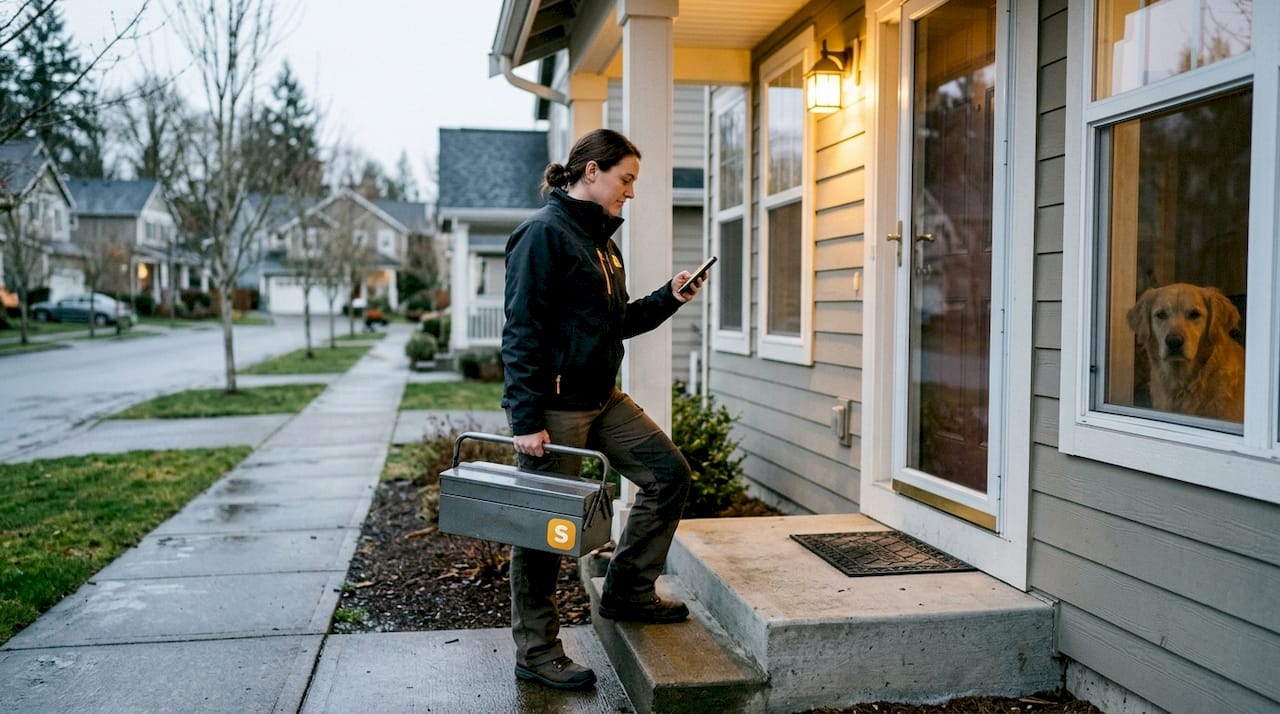
Scheduling apps increase efficiency and eliminate the risk of accidental double-bookings that plague manual systems. A streamlined booking workflow means fewer errors and less back-and-forth for everyone involved.
Pro Tip: Go into your app's notification settings right after setup and turn on every available alert, including reminders 24 hours out and day-of alerts. This one small step can prevent the majority of missed appointments before they happen.
The convenience factor is real. When rescheduling is as easy as tapping a button instead of calling during business hours and waiting on hold, homeowners actually use the tools available to them. That means fewer no-shows, fewer delays, and far less stress.
Comparing top features of scheduling apps
Understanding how these apps address your frustrations, let's break down which features really matter and how they compare across leading platforms.
| Feature | Basic apps | Mid-tier apps | Full-service apps |
|---|---|---|---|
| Appointment reminders | Email only | Email and SMS | Push, SMS, and email |
| Live technician tracking | No | Limited | Yes, real time |
| Payment integration | No | Partial | Full, in-app payment |
| Rescheduling ease | Phone required | In-app request | Instant, self-serve |
| Customer support | Email only | Chat support | 24/7 live support |
| Digital receipts | No | Basic summary | Detailed records |
Each of these features carries real weight. Live tracking alone eliminates the "where are they?" anxiety that makes repair days stressful. Payment integration means no scrambling for a check at the door. Digital receipts give you a paper trail for warranties, insurance claims, and future reference.
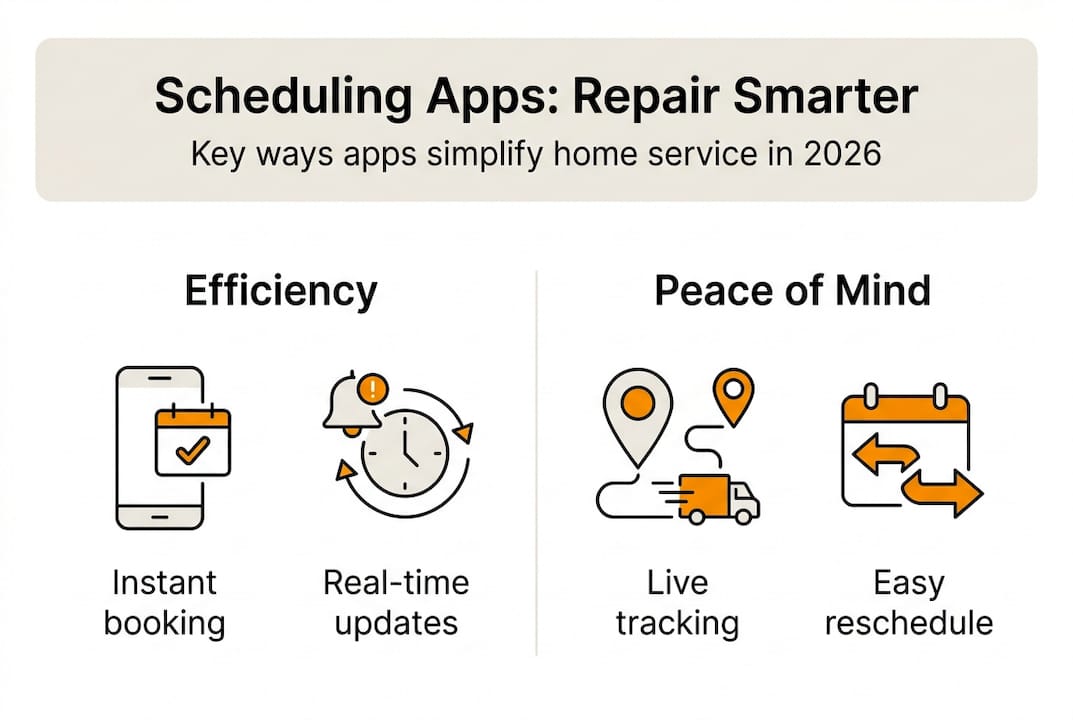
Apps with integrated reminders and communication tools reduce missed appointments by over 50%, which translates directly into fewer wasted days and fewer emergency rebooking fees.
Here is a checklist to help you choose the right app for your home:
- Does it send multi-channel reminders (push, SMS, email)?
- Can you reschedule without calling anyone?
- Does it support in-app payment?
- Is there a live support option if something goes wrong?
- Does it keep a history of past services?
These five questions will quickly separate the apps worth your time from the ones that just add another login to your life. Tools that simplify booking and management in one place are far more likely to get used consistently, which is where the real benefit kicks in.
Maximizing the benefits of scheduling apps for your home
Now that you know what features to look for, it is key to use your scheduling app to its full potential. Downloading the app is just the first step.
Here is a look at the potential time savings across a year when you use scheduling apps for common home repairs:
| Repair type | Manual scheduling time (annual) | App-based scheduling time (annual) | Time saved |
|---|---|---|---|
| HVAC maintenance | 3 hours | 30 minutes | 2.5 hours |
| Plumbing checks | 2 hours | 20 minutes | 1.7 hours |
| Electrical inspections | 2.5 hours | 25 minutes | 2 hours |
| General handyman tasks | 4 hours | 40 minutes | 3.3 hours |
| Total | 11.5 hours | 1.9 hours | 9.6 hours |
Proper app usage saves homeowners hours annually and streamlines communication with service providers in ways that manual methods simply cannot match.
Best practices to get the most out of your app:
- Sync your calendar: Connect the app to your Google or Apple calendar so repair appointments show up alongside your other commitments.
- Enable push notifications: Do not rely on email alone. Push alerts are faster and harder to miss.
- Check for integrated support: Make sure your app has a way to reach a real person if a booking goes sideways.
Pro Tip: Use your app's recurring reminder feature to set seasonal maintenance alerts. Schedule a furnace check every October and an AC tune-up every April. You will never forget again, and you will likely avoid the emergency service fees that come with neglected maintenance.
Exploring digital service platforms designed specifically for home management can also open up features you did not know you needed, like contractor ratings, service history logs, and bundled pricing for repeat customers. The more you use these tools, the more value you get out of them.
The overlooked secret: Why human touch still matters
Here is something most tech-focused articles will not tell you: the best scheduling app in the world cannot replace a contractor who actually listens to you. Apps handle logistics beautifully. They confirm appointments, send reminders, and process payments without a hitch. But when something goes wrong, or when you have a question that does not fit a dropdown menu, you need a real person.
We have seen homeowners choose apps purely based on features, only to feel stranded when a repair goes off-script and there is no human support in sight. The most satisfying home service experiences we have encountered blend digital efficiency with genuine, responsive communication. Customer support's role in home services is often underestimated until the moment you actually need it.
Our take: look for platforms that use technology to make the easy stuff effortless, while keeping real people available for the moments that matter. That balance is what separates a frustrating experience from a great one.
Find the right scheduling solution for your home
Ready to make your next home repair truly effortless? Here is where to start.

At Simple Service App, we act as your personal home agent, handling the booking, negotiating, and management of your home services all from one place. Our network of contracting consultants takes the coordination off your plate so you can focus on what actually matters. Whether you are scheduling your first repair or managing a full seasonal maintenance plan, we make the process simple, transparent, and stress-free. Explore our platform today and see how much easier home repair scheduling can be when the right tools and the right people are working for you.
Frequently asked questions
What are the most important features to look for in a home repair scheduling app?
Look for apps with service reminders and communication tools that reduce missed appointments, along with easy rescheduling and clear appointment tracking to keep everything organized.
How do scheduling apps help avoid missed appointments?
They send automated reminders across multiple channels and allow instant rescheduling, which means digital reminders cut missed appointments by over half compared to manual methods.
Can scheduling apps save me money on home repairs?
Yes. Efficient scheduling leads to cost savings by reducing delays, avoiding emergency fees, and keeping your maintenance on a predictable schedule that prevents small issues from becoming expensive problems.
Is it difficult to switch from manual to app-based scheduling for home repairs?
Home service apps are designed for ease of use and quick adoption, with intuitive interfaces and guided setup that make the transition straightforward even for first-time users.